
Please note:
Staking Tickets are available in BETA. At this time, purchasing and sending is restricted to a group of select users. Anyone can receive staking tickets. Stay tuned for when sending and receiving is released to all players.
Get To Know Staking Tickets
The quickest, most convenient way to back players at Black Chip Poker, is here.
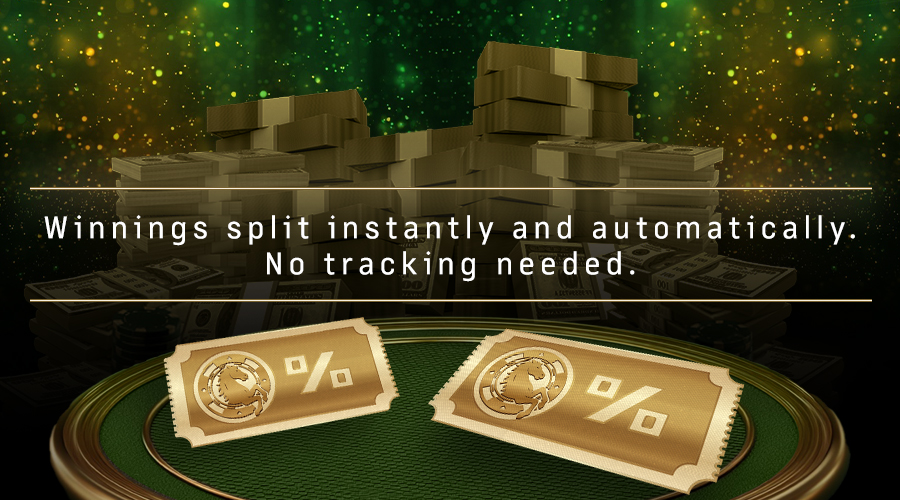
In just one click, you can send another player a tournament entry and set the exact share of the action you want. The recipient gets their cut, you keep yours, and when the event pays out, the winnings are automatically divided between your accounts.
No hassle. No guesswork. Just smooth, secure staking from start to finish.
Streamers will love it too—reward viewers with tickets, stake fans in real tournaments, and create instant buzz for your community.

How to Offer a Stake (For Stakers)
- Open the Staking Tab
From the poker client’s top menu, click Staking. - Go to the Staking Ticket Tab
Navigate to the dedicated area for Staking Tickets. - Select Your Ticket Type
Choose a specific tourney, or create a generic ticket with a fixed buy-in. - Set Your Stake Percentage
Choose the exact share of winnings you’ll retain. - Set Expiration Date
Define how long the offer stays active. - Send Tickets to Players
Enter the player name(s) and select the number of tickets to send. - Automatic Payouts
Once your offer is accepted and the player cashes in the tournament, the system automatically splits and awards the prize to you and the player.
How to Access your Staking Ticket (For Stakees)
- Click Staking
- Click Staking Tickets
- Open Active Staking Tickets Received
- Click Accept Ticket
- Find the tournament in the Tournament Lobby.
- Register using your ticket
Quick. Safe. Effortless.
With Staking Tickets, you can support the next breakout player in just a few taps.